Grizzly Outpost 2x | Solo/Duo/Trio | Biweekly | Noob Friendly |
Join the Grizzly Outpost 2x | Solo/Duo/Trio | Biweekly | Noob Friendly | Rust server at 157.85.91.40:23232 and play with 0 other active players! Explore the full server details below, check the community focus, and connect now to start your next survival adventure.
Server Description
Welcome to Grizzly-Outpost 2x — a Rust server dedicated to creating a balanced and enjoyable experience for all players. Whether you’re a seasoned Rust veteran or new to the game you’ll find a fair competitive environment here focused on PvP and community growth. Our admins are active fair-minded and committed to keeping gameplay smooth and hacker-free. Blueprints persist between wipes unless otherwise announced.
Server Rules: read discord at: https://discord.gg/zspZSCJpeE
**********************************************************
Join Our Discord Community: For updates events or just to hang out with fellow Rust players connect to our Discord! Simply click the Webpage button to be taken directly to our Discord server. It’s the best place to stay in the loop report issues and find teammates.
We can’t wait to see you out there—survive build raid and conquer on Grizzly-Outpost!
Server Features
Wipe Schedule(s)
No custom wipe schedules configured. Showing Force Wipe dates (first Thursday of each month).
July 2026
| S | M | T | W | T | F | S |
|---|---|---|---|---|---|---|
1 | 2 | 3 | 4 | |||
5 | 6 | 7 | 8 | 9 | 10 | 11 |
12 | 13 | 14 | 15 | 16 | 17 | 18 |
19 | 20 | 21 | 22 | 23 | 24 | 25 |
26 | 27 | 28 | 29 | 30 | 31 |
August 2026
| S | M | T | W | T | F | S |
|---|---|---|---|---|---|---|
1 | ||||||
2 | 3 | 4 | 5 | 6 | 7 | 8 |
9 | 10 | 11 | 12 | 13 | 14 | 15 |
16 | 17 | 18 | 19 | 20 | 21 | 22 |
23 | 24 | 25 | 26 | 27 | 28 | 29 |
30 | 31 |
September 2026
| S | M | T | W | T | F | S |
|---|---|---|---|---|---|---|
1 | 2 | 3 | 4 | 5 | ||
6 | 7 | 8 | 9 | 10 | 11 | 12 |
13 | 14 | 15 | 16 | 17 | 18 | 19 |
20 | 21 | 22 | 23 | 24 | 25 | 26 |
27 | 28 | 29 | 30 |
How to Connect
Press F1 in Rust and type the following command:
Click the connect string above to copy it to your clipboard
Server Info
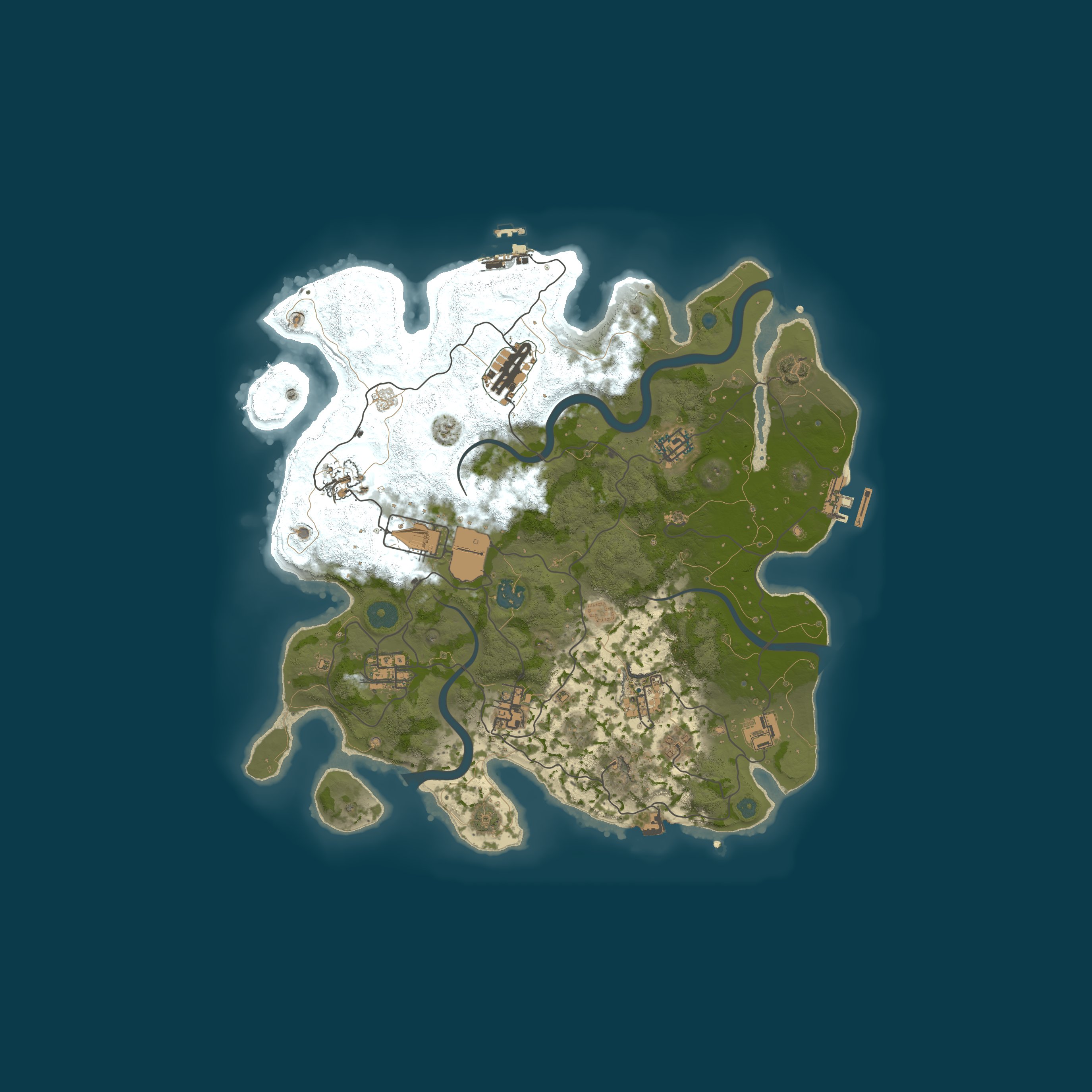
Map